
Collection: Digital Colour Control Tools, Devices & Software
-
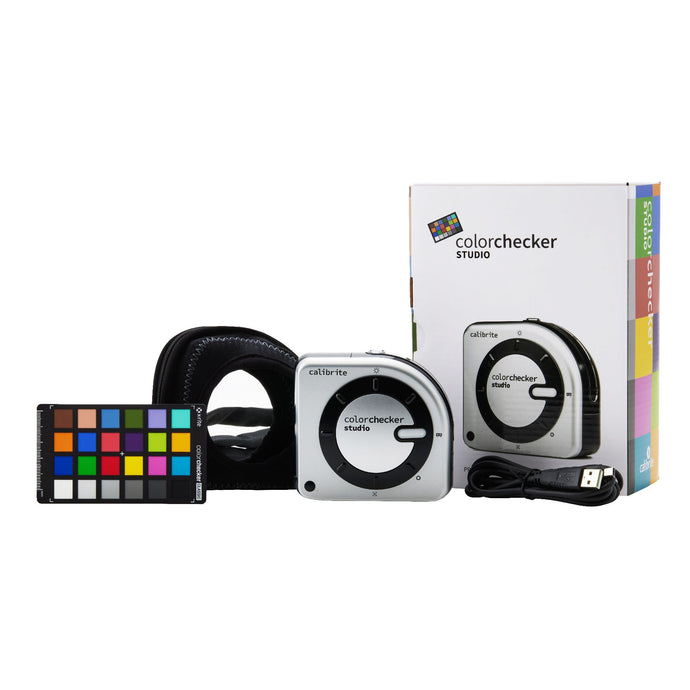
Calibrite Display Calibrators (SL, Pro HL, Plus HL and Studio) & Charts for Photo & Video

- Vendor
- Calibrite
- Regular price
-
RRP£70.00
£84.00 - Sale price
-
Sale Price£59.95 Ex VAT
£71.94 Inc VAT
-
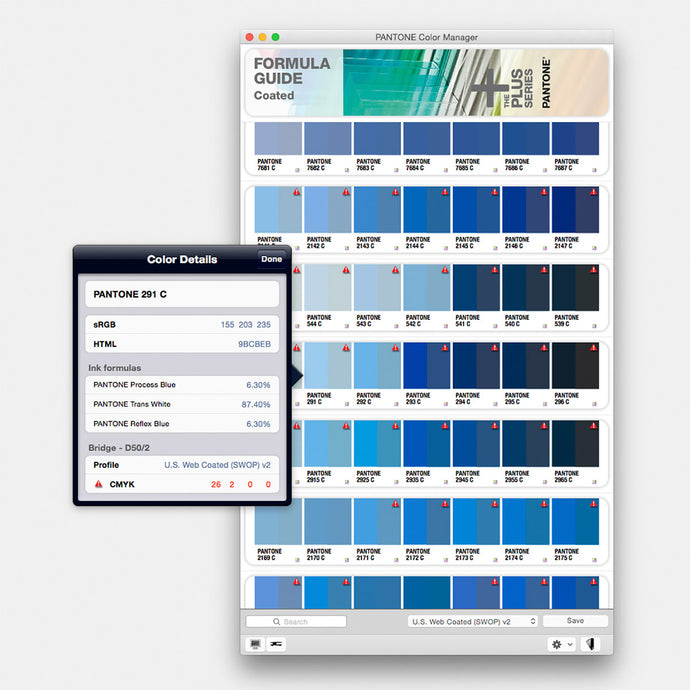
Pantone Colour Manager Software CD Rom (PSC-CM100) @ £75.00 ex vat
- Vendor
- Pantone
- Regular price
-
RRPSold out
- Sale price
-
Sale Price£75.00 Ex VAT
£90.00 Inc VAT
-
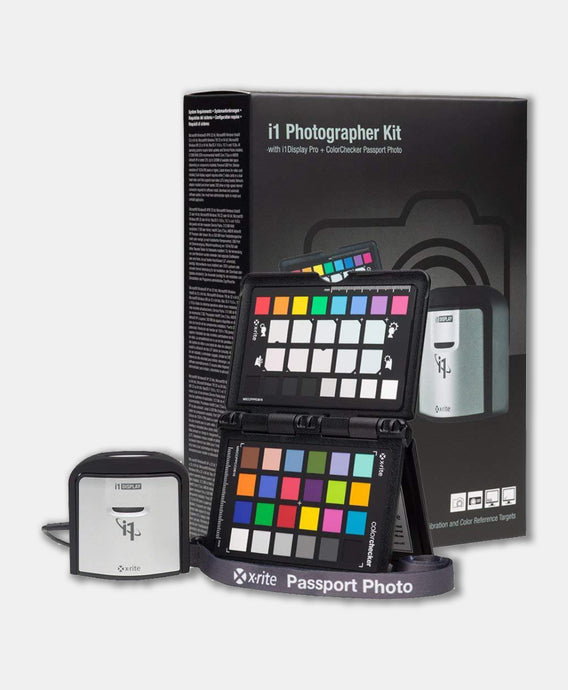
X-Rite i1 Photography Kit Camera Calibrator (EODIS3MSCCPP) @ £209.00 ex vat
- Vendor
- X-Rite
- Regular price
-
RRPSold out
- Sale price
-
Sale Price£209.00 Ex VAT
£250.80 Inc VAT
-
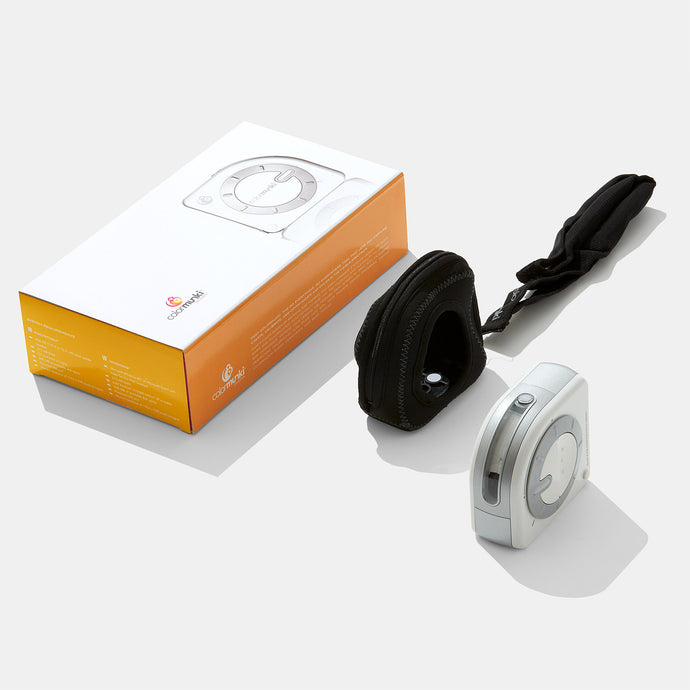
Pantone X-Rite ColorMunki Design Device (MEU115) @ £355.00 ex vat

- Vendor
- Pantone X-Rite
- Regular price
-
RRPSold out
- Sale price
-
Sale Price£355.00 Ex VAT
£426.00 Inc VAT
-
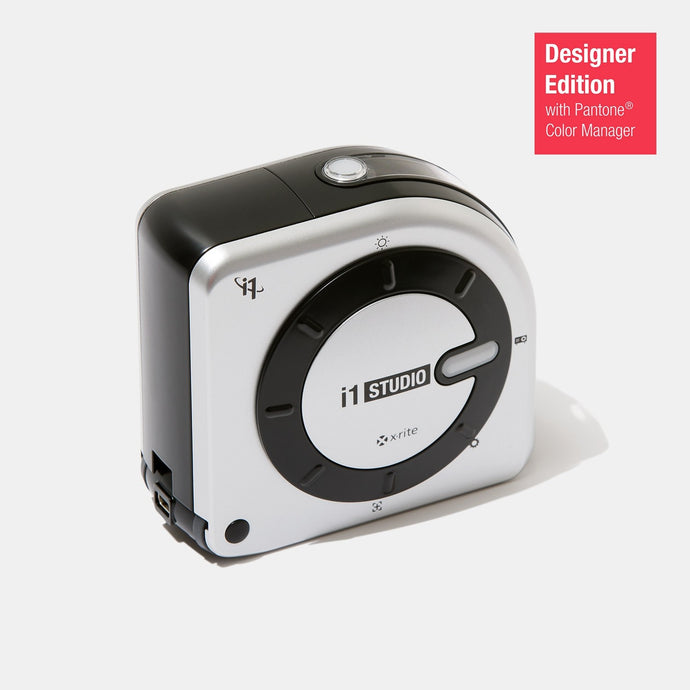
X-Rite i1 Studio Spectrophotometer (EOSTUDIODE) @ £403.95 ex vat
- Vendor
- X-Rite
- Regular price
-
RRPSold out
- Sale price
-
Sale Price£403.95 Ex VAT
£484.74 Inc VAT
-
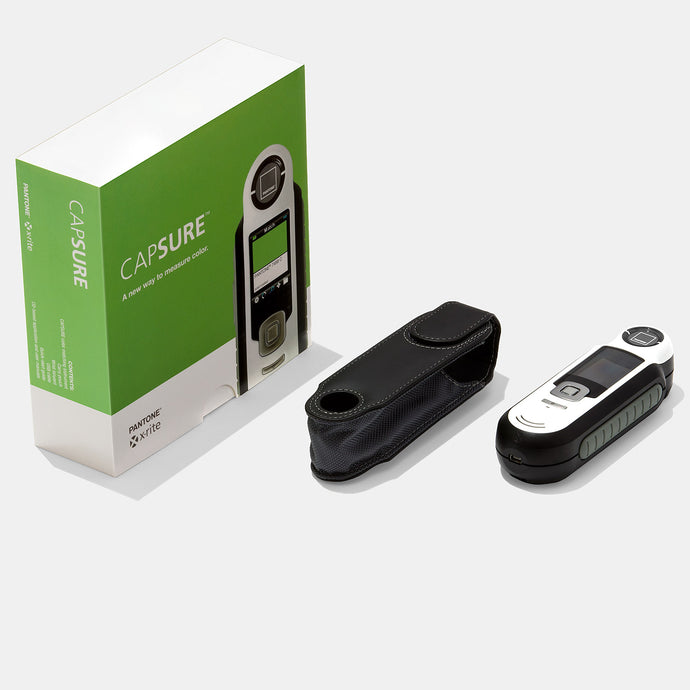
Pantone Capsure Colour Matching Device (RM200-PT01, BPT01): £549.95 ex

- Vendor
- Pantone
- Regular price
-
RRP£612.00
£734.40 - Sale price
-
Sale Price£549.00 Ex VAT
£658.80 Inc VAT
-
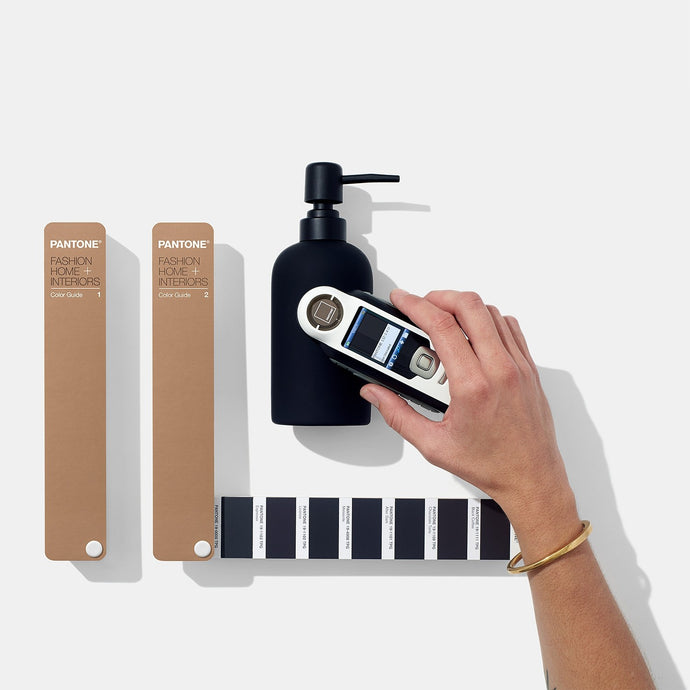
Pantone Capsure FHI Colour Guide Set Bundle (FHGC400) @ £629.89 ex vat

- Vendor
- Pantone
- Regular price
-
RRP£700.00
£840.00 - Sale price
-
Sale Price£629.89 Ex VAT
£755.87 Inc VAT














Welcome to the Digital Colour Control Tools collection
This department includes a range of colour control tools, devices and software. Here you will find all of the high-quality digital colour management tools that will help you ensure colour accuracy when working with multimedia applications, as part of your digital workflows.
Shop21 stocks a range of market leading brands such as Pantone, who set the global standard for colour management back in the 1960s, and X-Rite the photography, video calibration and spectrophotometer specialists. You can buy them all here at the best prices!
Purchase from SHOP21 with total confidence that your order will be professionally handled and securely transacted since your buying from one of the longest established independent online stores in the UK and the EU. We have a ‘Latest Product Version’ guarantee so you will always receive the very latest, and genuinely brand new version of the item you ordered.
Since this page focus on digital equipment, which is a very fast moving sector, please don’t hesitate to ask us if you can’t find what you’re looking for and we will try our best to source it for you as quickly as possible. We have trade accounts with most of the UK and EU’s tier one IT trade distributors as well as the many specialist distributors and manufacturers logistical partners. If the product is in the UK or EU distributive channel, we will almost certainly be able to source it and at the best price too.
Pantone in the Graphic Design Workflow Video: